
Download from the web
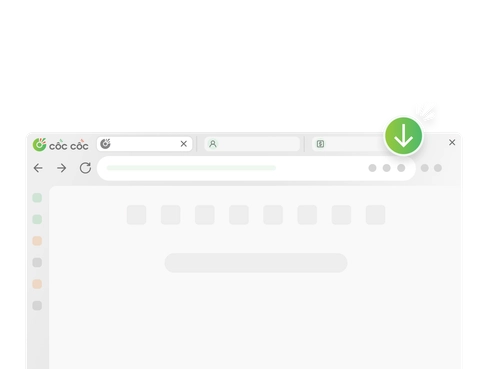
Open a website and use the download control shown in the address bar or media panel.
Cốc Cốc Fast download
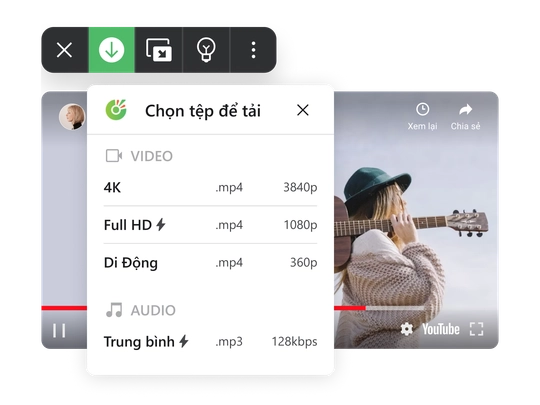
Save videos and music directly from websites with a fast built-in downloader. Choose the quality you want without installing another app.
Fast download
Cốc Cốc detects downloadable media and helps you save a high-quality file in a few simple steps.
Open a website and use the download control shown in the address bar or media panel.
Download supported videos from YouTube, Facebook, X, TikTok and Pinterest.
Select your preferred format and resolution before saving the file.
Desktop workflow
Open the website containing the video, select a format and quality, then find the finished file in Downloads.
Download on mobile
Cốc Cốc Mobile makes it easy to download supported media on Android and iOS, with background play and convenient file management.
Three simple steps
Open the page, select the file and manage the result from the Downloads view.
Open the website containing the video.
Choose the file format and quality.
Open or delete the file in Downloads.
Frequently asked questions
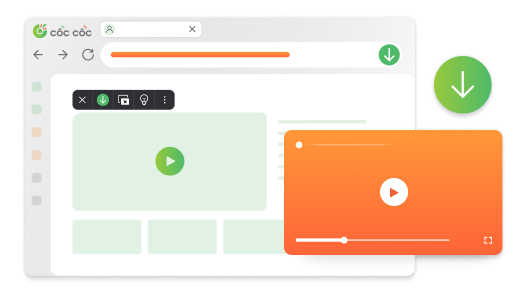
The downloader is built into Cốc Cốc and works without an extra extension on supported websites.
Supported websites include many popular video sites and social networks such as YouTube, Facebook, X and Pinterest.
Open the video in Cốc Cốc Mobile, tap Download and select the format and quality.
Open the Downloads page in Cốc Cốc to find, open or delete saved files.